Pool & Spa Client Care
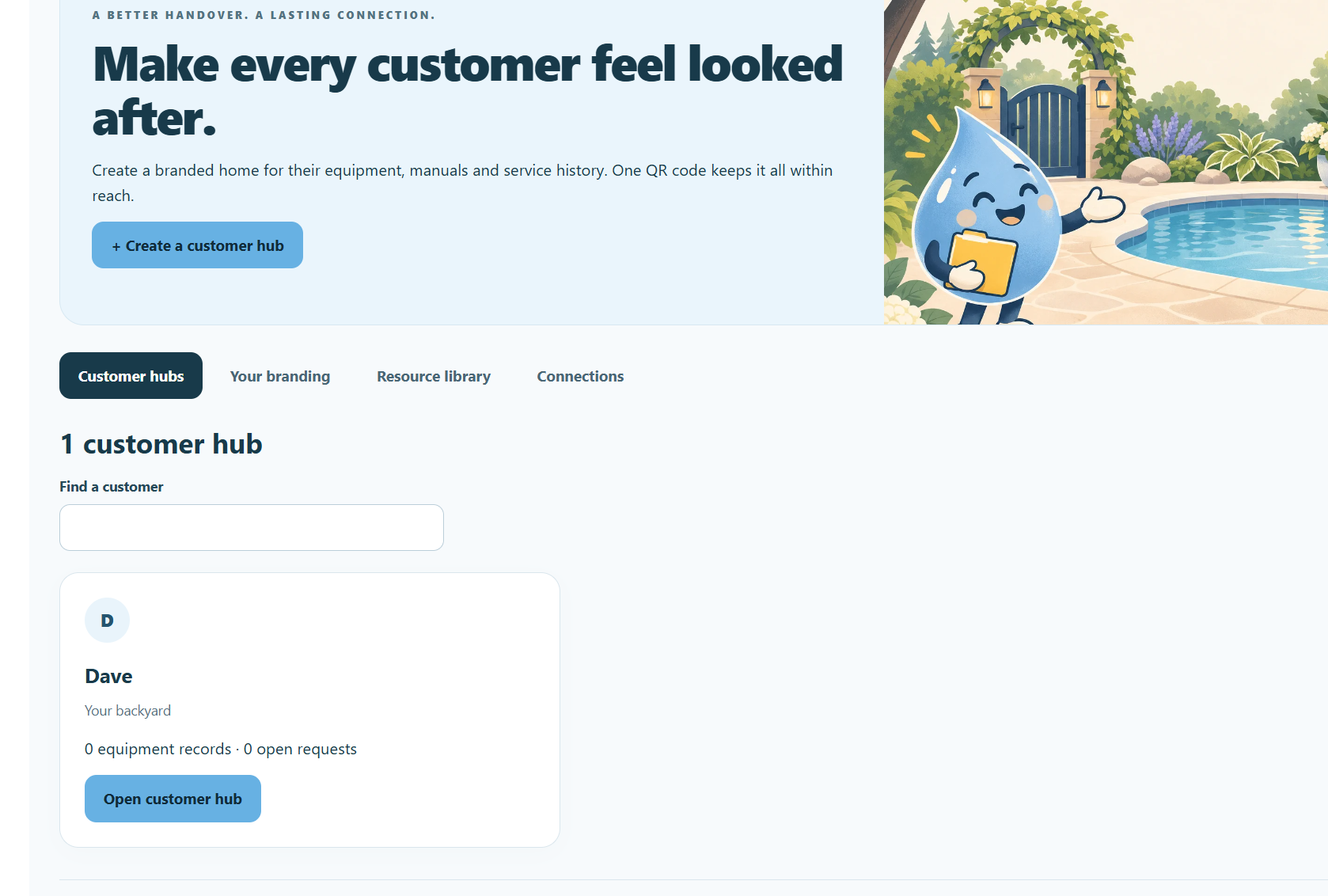
Keep looking after your customers after installation day. Pool & Spa Client Care gives your dealership a workspace for managing customer equipment records and a private, branded hub where homeowners can find their documents, review service history and contact your team.
A customer hub with your dealership’s branding
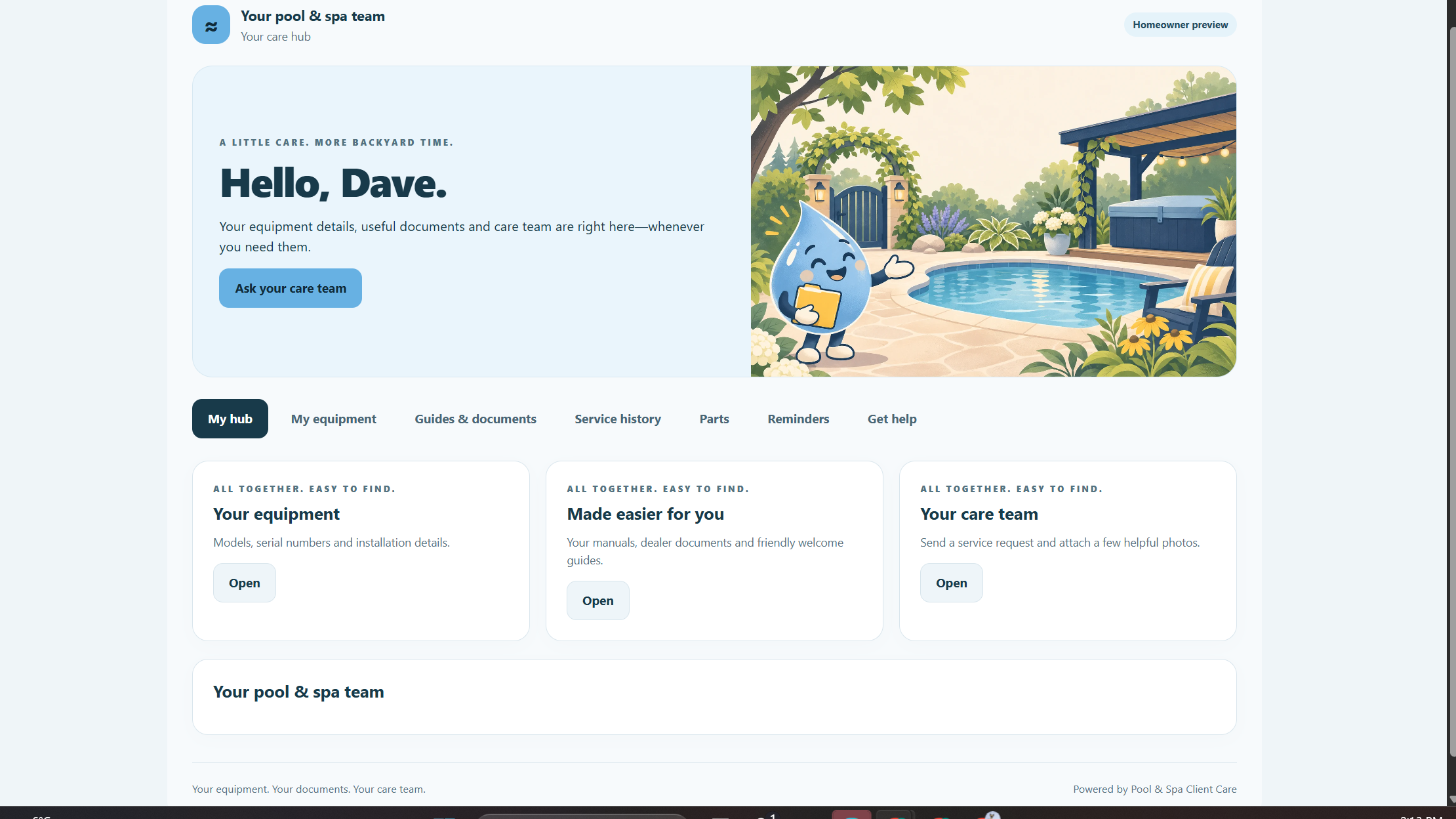
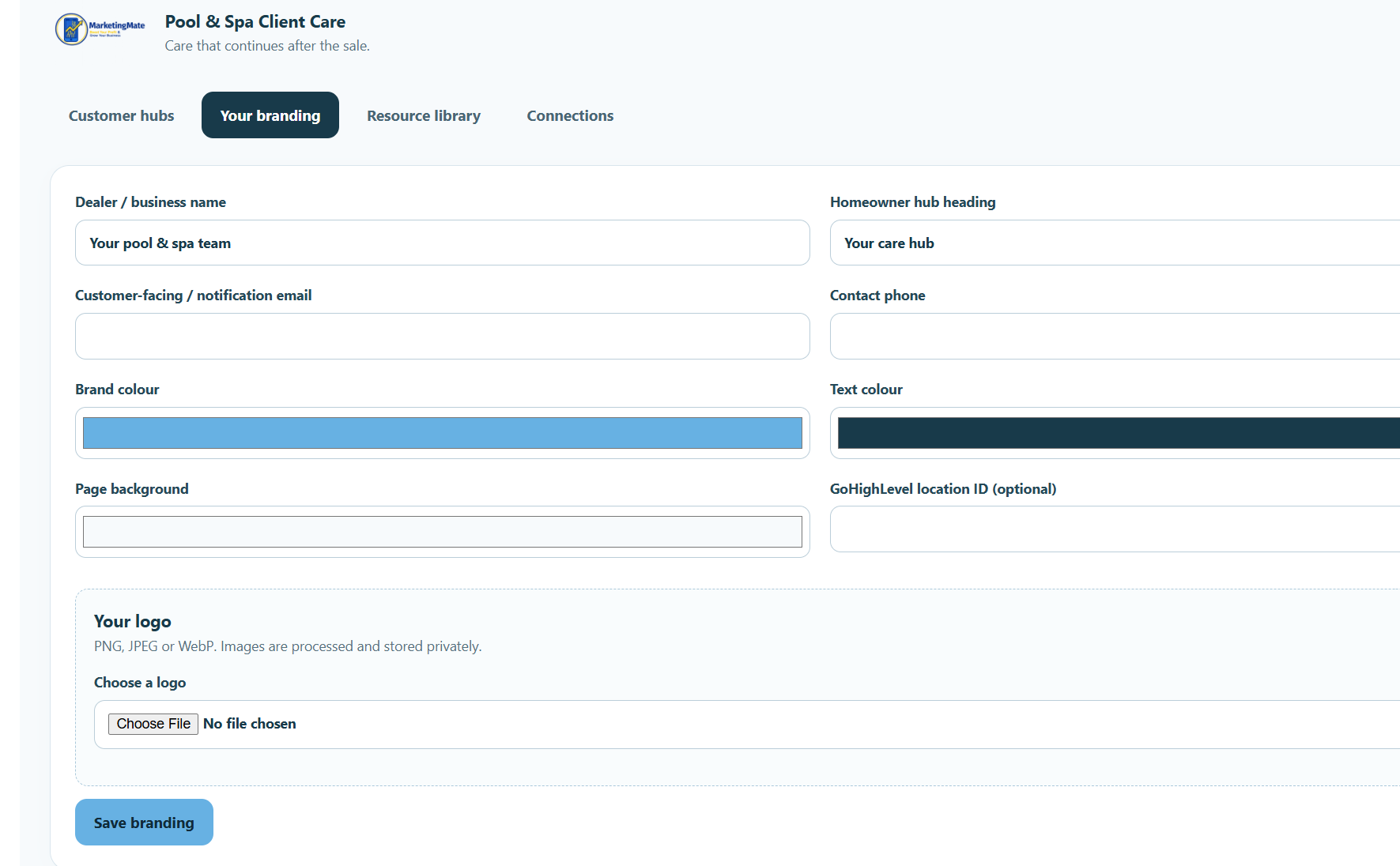
Add your business name, logo, colours and contact details to create a familiar place for customers to return. Each customer receives their own hub link and downloadable QR code, suitable for a handover folder or equipment information pack.
Set a customer password before sharing access. Customers sign in with their registered email and password and can change their password themselves. Their link and QR code remain usable unless you deliberately replace them.
Equipment records that stay together
Record equipment brands, models, serial numbers and installation dates. Add completed service entries and replacement-part records so your team and the homeowner can refer to the same customer history.
Keep warranties, manuals and dealer instructions alongside the equipment they relate to, making the hub useful beyond the initial handover.
Your documents, supported by a starting resource library
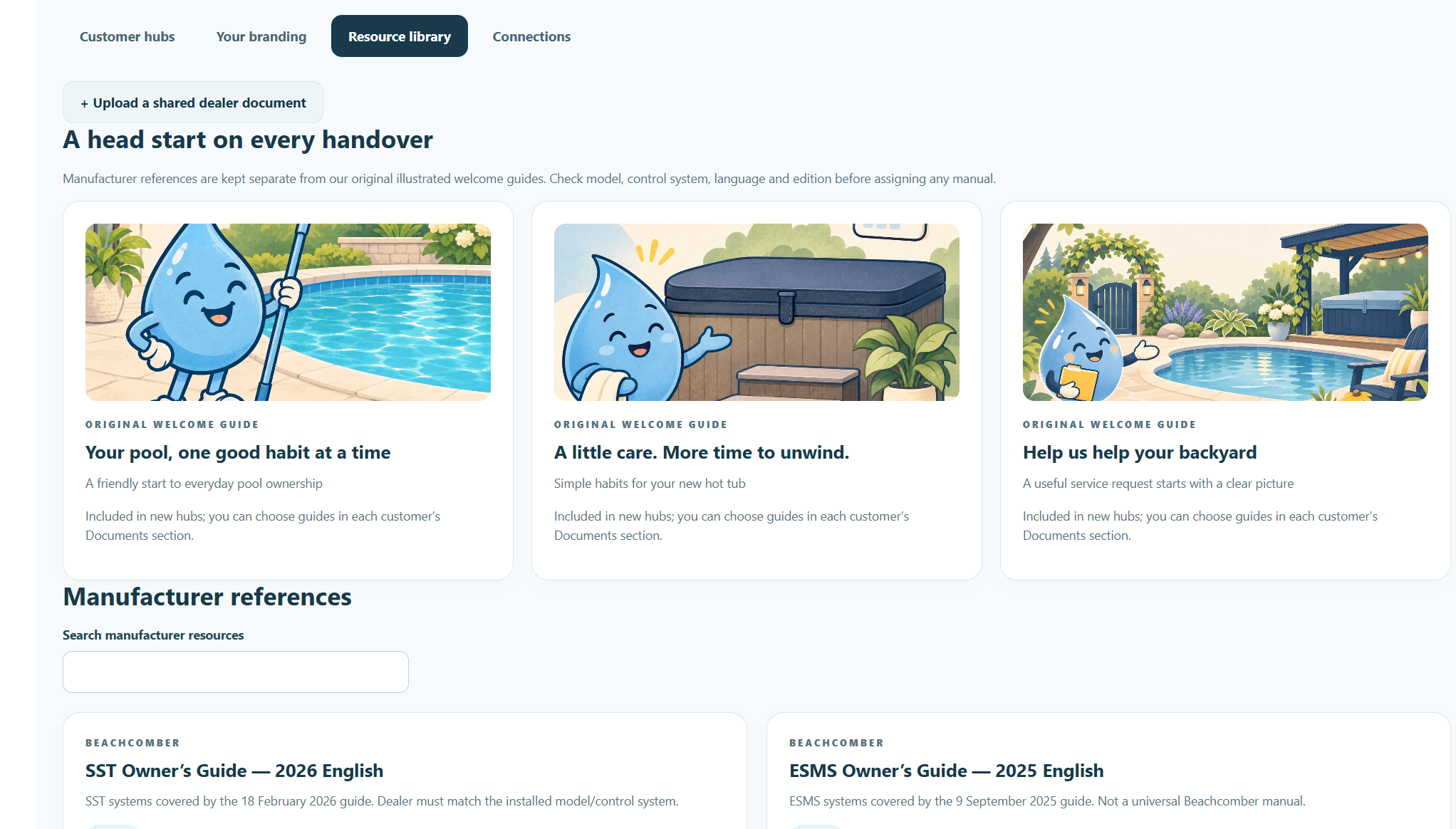
Upload your own PDFs and images, reuse shared dealer documents or choose from a curated library of 42 manufacturer references covering pool, spa and related equipment.
Preview a manufacturer document before assigning it and confirm the model, production year, controls and edition match the customer’s equipment.
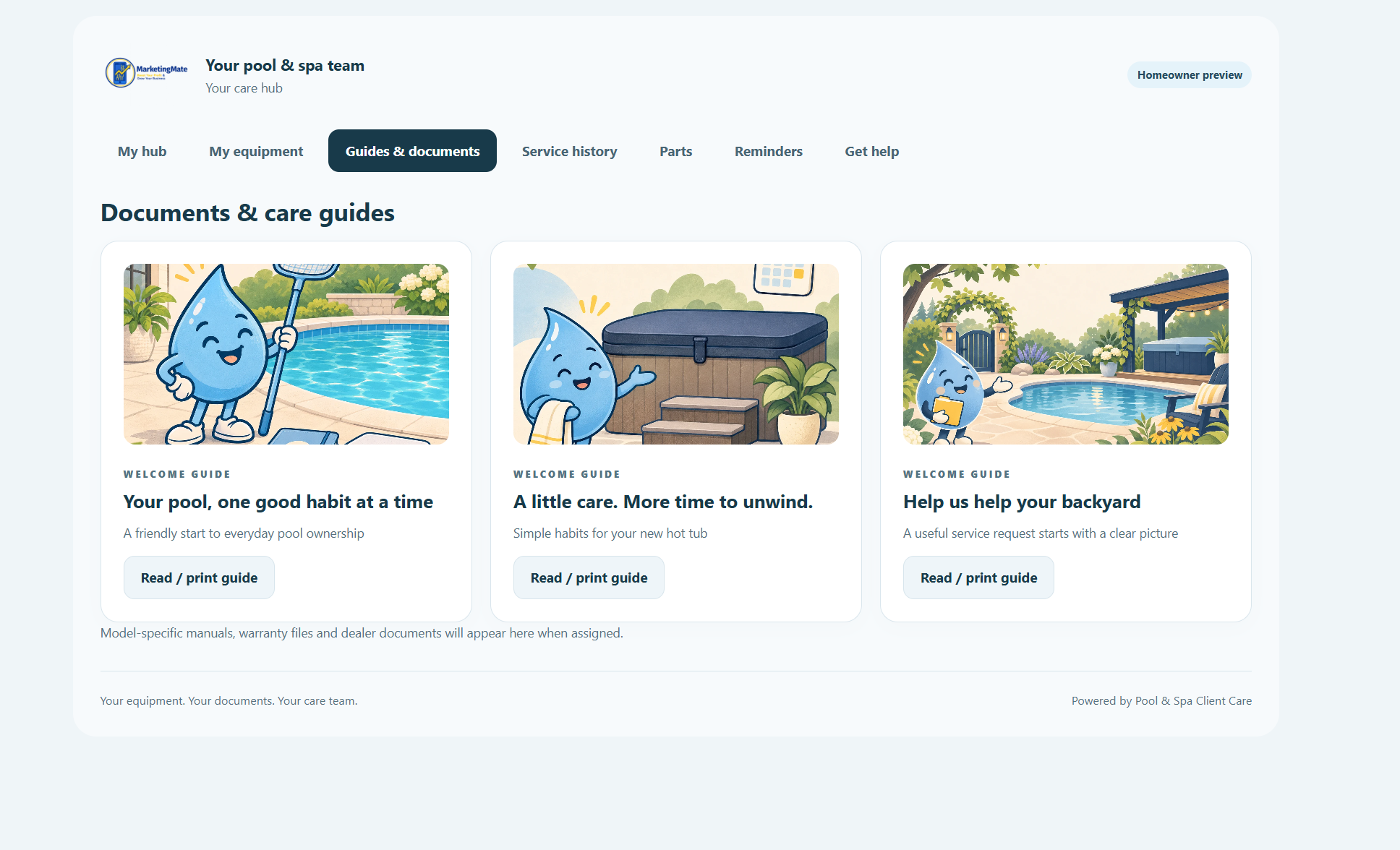
Nine original illustrated care guides provide additional information for homeowners, including pool and hot tub ownership habits, service-request preparation, filter care, seasonal planning, salt-system ownership and water-care records. Choose which guides each customer receives rather than adding every guide automatically.
These original guides support your handover; they do not replace equipment-specific manufacturer instructions or your professional advice.
Help requests with useful photos
Customers can write to your care team from their hub and attach up to three photos. Requests appear in your dealer workspace with unread notifications, and your team can update their status as work progresses.
Choose a separate notification email address for help and service requests. Email notifications use your website’s configured mail connection, while the request remains available in the portal.
Service enquiries with preferred timeframes
List the services your dealership offers. Customers can select a service and request next week, next month or multiple specific dates.
The hub clearly explains that these are preferences, not confirmed appointments. Your team then contacts the customer with available dates within their requested timeframe.
Timely offers inside the customer hub
Display a promotion as a banner, offer card or popup. Add an image, heading, description and link, select a background colour and choose when the offer starts and ends.
Offers with images display the image beside the text on larger screens and stack neatly on mobile. Preview active offers and requestable services through the homeowner preview.
A practical addition to your customer handover
Pool & Spa Client Care gives homeowners a clear place to keep their equipment information and reach your team. For your dealership, it brings customer documents, care resources, enquiries and service records into one ongoing ownership experience.
Reviews
There are no reviews yet.